


Plug in
Connect the adapter to the car's CarPlay or Android Auto USB port. Use the USB-C adapter if your car has USB-C.
¿Tienes una cuenta?
Inicia sesión para finalizar tus compras con mayor rapidez.
No se pudo cargar la disponibilidad de retiro
Car Electronics · Wireless
Turns your car's wired CarPlay or Android Auto into wireless.
1. Plug in. Connect the adapter to the car's CarPlay or Android Auto USB port. Use the USB-C adapter if your car has USB-C.
2. Turn on Bluetooth and Wi-Fi. On your phone, open Bluetooth settings and pair with the adapter (it appears as "CAR2-XXXX").
3. Connect. Select the adapter in CarPlay or Android Auto on your phone. Next time it connects automatically.
1 × wireless CarPlay / Android Auto adapter
1 × USB-C adapter
Requires a vehicle with factory-installed wired Apple CarPlay or Android Auto. It does not add CarPlay or Android Auto to a car that does not have it.
Not sure it fits your vehicle? Email support@carnovaro.com with your make, model and year before you order, and we will confirm.
If your order arrives damaged or defective, contact us with photos and we will make it right. Full details in our Refund Policy.


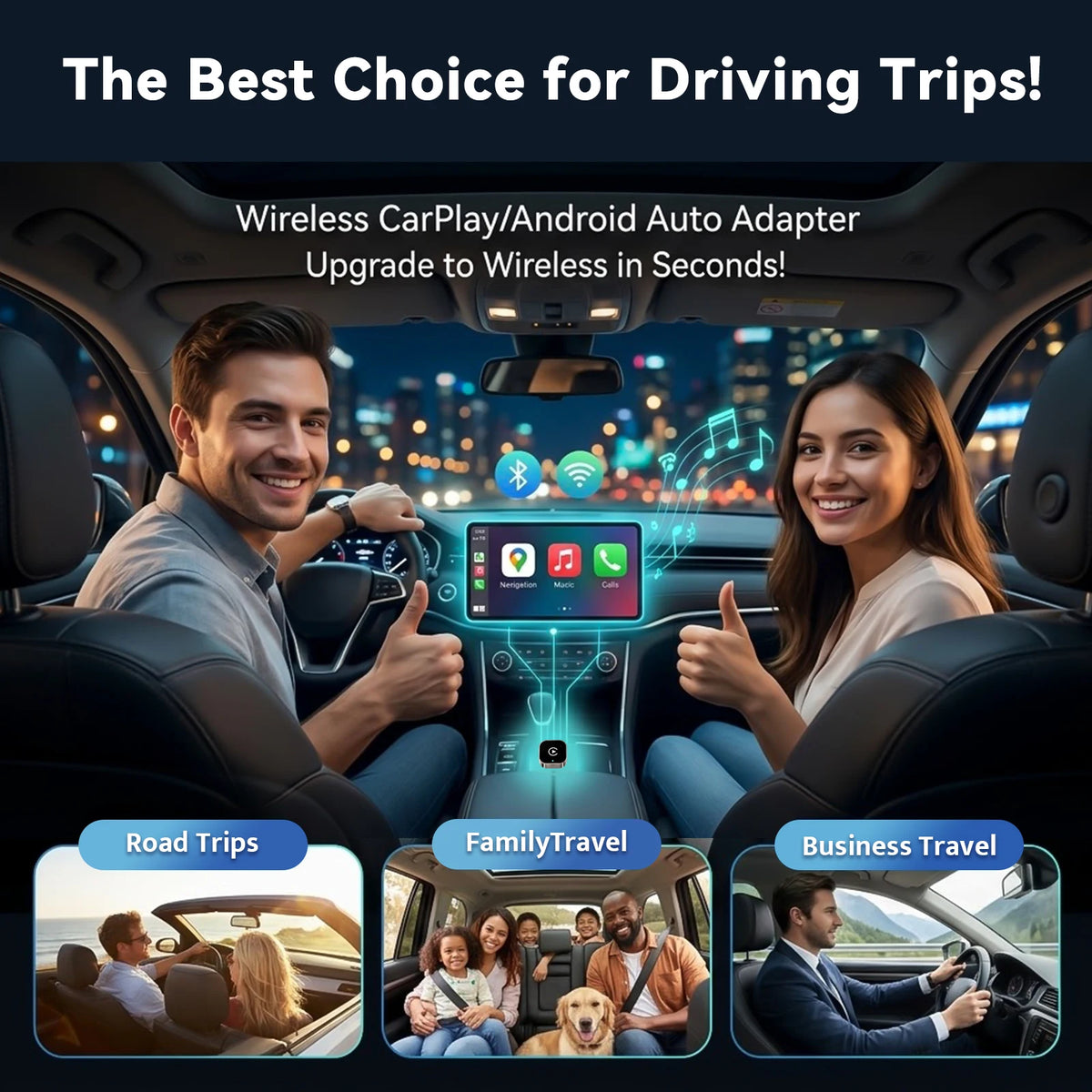
Your car already supports CarPlay or Android Auto with a cable. This adapter removes the cable.

Your car already supports CarPlay or Android Auto with a cable. This adapter removes the cable.


Navigation, music, calls and messages appear on your car screen just as they do with a cable.
No cable stretched across the console, and no plugging in for short trips.
Plug it in, turn on Bluetooth and Wi-Fi on your phone, then pair with the adapter.
Set it up once, then just drive.
Connect the adapter to the car's CarPlay or Android Auto USB port. Use the USB-C adapter if your car has USB-C.

On your phone, open Bluetooth settings and pair with the adapter (it appears as "CAR2-XXXX").

Select the adapter in CarPlay or Android Auto on your phone. Next time it connects automatically.
Your car already supports CarPlay or Android Auto with a cable. This adapter removes the cable.
Navigation, music, calls and messages appear on your car screen just as they do with a cable.
No cable stretched across the console, and no plugging in for short trips.
Plug it in, turn on Bluetooth and Wi-Fi on your phone, then pair with the adapter.

Join our list for car-care tips, new arrivals and subscriber-only deals. Your code appears as soon as you sign up.
No spam. Unsubscribe anytime.
Enter this code at checkout. One use per customer.
Copied! Paste it at checkout.